KVM32
NEW Meet the kvm32 CLI · one command to a running boardA network KVM on one PoE cable: the screen in your browser, your keyboard and mouse at the machine. The firmware is a one-time install.
Copy and paste into terminal to try
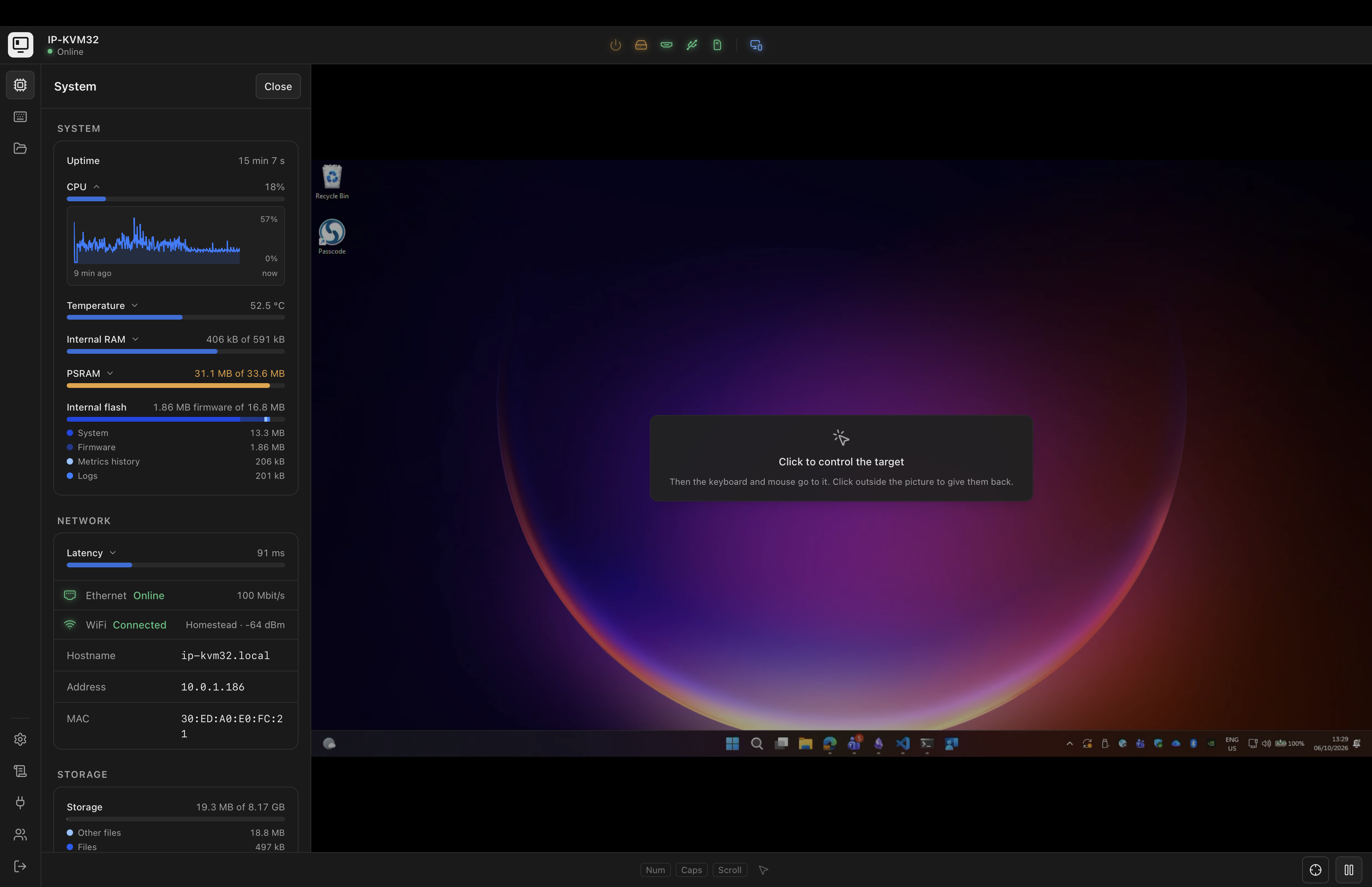
Everything a KVM over IP does, on a board that fits in your hand
-
Picture
HDMI into a TC358743 bridge, encoded as MJPEG or H.264 by the chip's own encoders. Up to 1920x1080, served over HTTPS to any browser. The EDID offered to the source is built from what the link can carry, so the target picks a mode that works.
-
Keyboard and mouse
A USB device on the Type-A port: a boot keyboard, an absolute and a relative mouse, media keys. A simple mode for KVM switches and BIOSes that take nothing more, and hotkeys to pick a server on a switch.
-
Virtual media
A folder on the microSD card shown to the target as a USB stick, or an ISO shown as a CD-ROM. Upload files from the console and boot the machine from them.
-
One cable
Power over Ethernet with the board's PoE module. WiFi through the on-board ESP32-C6 is there as a fallback, and an open set-up network when the device has no password yet.
-
Sound, both ways
The target also sees a USB headset: what it plays is heard in the console, and the console's microphone is heard by the target. The HDMI input offers no audio, so nothing is lost there.
-
Screen Sharing and VNC
A VNC server for macOS Screen Sharing and other viewers, beside the browser console.
-
Power control
Optional ATX wiring through optocouplers: the target's power and reset buttons, its power and disk LEDs, from the console.
-
Updates you decide on
A new firmware is checked and staged from the console, nothing restarts until you say so, and the bootloader rolls back if the new one does not come up. Community devices follow the stable release channel; Enterprise devices get each release first.
-
Accounts, roles and keys
Sign in always required. Administrators and users, directory sign-in (LDAP) with the Enterprise edition, and API keys for scripts. An event log that reads like a log should.
Two boards and a cable
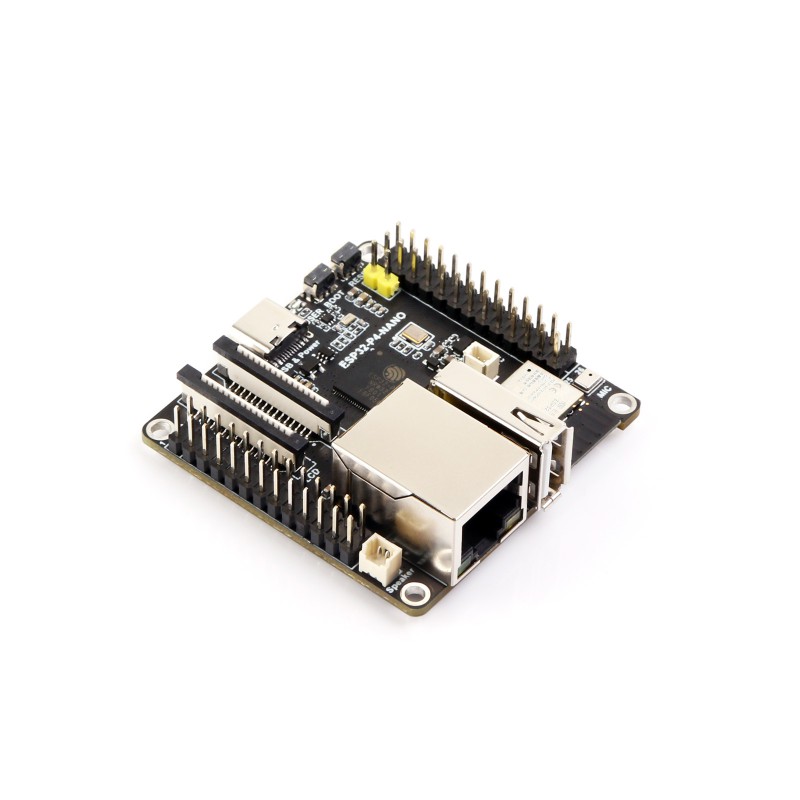
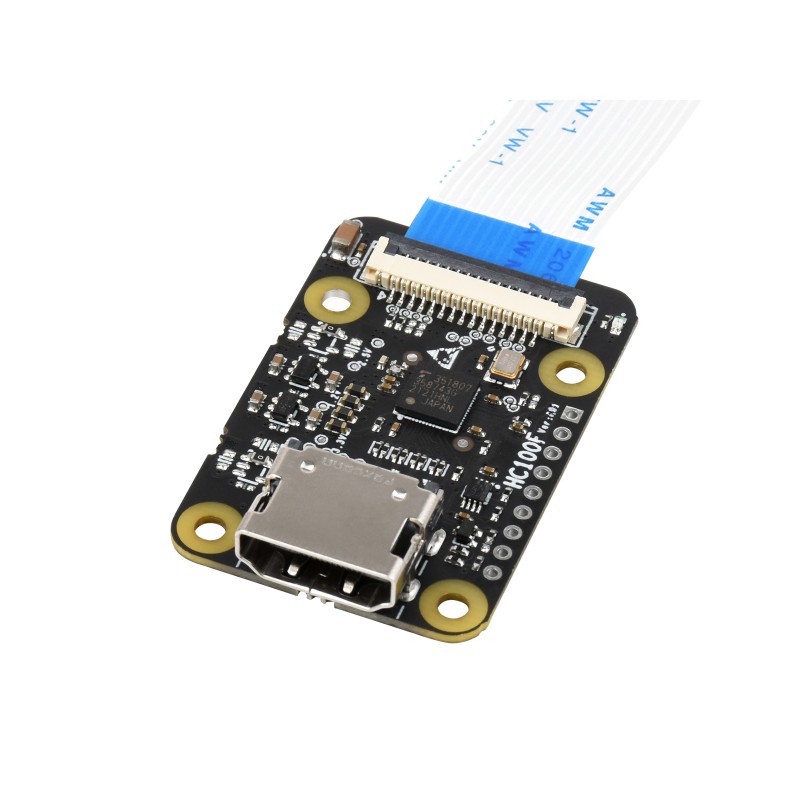
The kvm32 command flashes the firmware over the board's USB-C port once; after that the console takes the updates. How it works.
A console that stays out of the way
Status lights for power, video, USB, file transfer and the network across the top, each one a word and a sentence away from what is going on. The picture in the middle, as large as the window. The keys the browser would keep for itself, files for the target, the device's own health and its log down the rail. Nothing more.
Community is free. Enterprise is paid once for each licence code.
Both run on the same board and the same console.